 12 CHALLENGES
Everyone makes it three days.
Day four is where it usually falls apart. 12 Challenges shows you where you stand at a glance. One tap a day, nothing more.

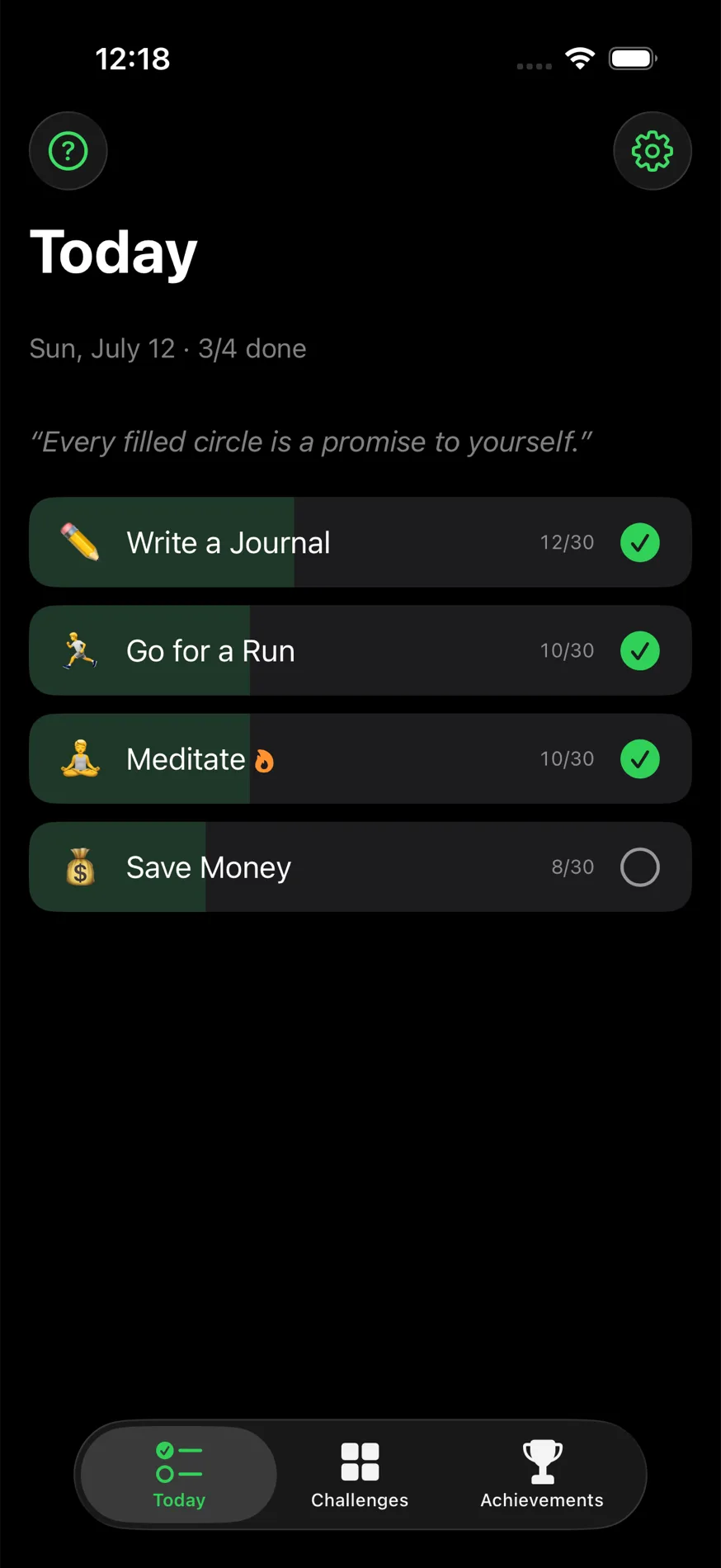
Not another all-in-one tracker. One method, perfected.
There are thousands of habit trackers trying to be everything at once: journal, mood tracker, coach, community. 12 Challenges does exactly one thing on purpose, the 12-challenges method: twelve 30-day goals a year. Done properly, in the style of a native Apple app.
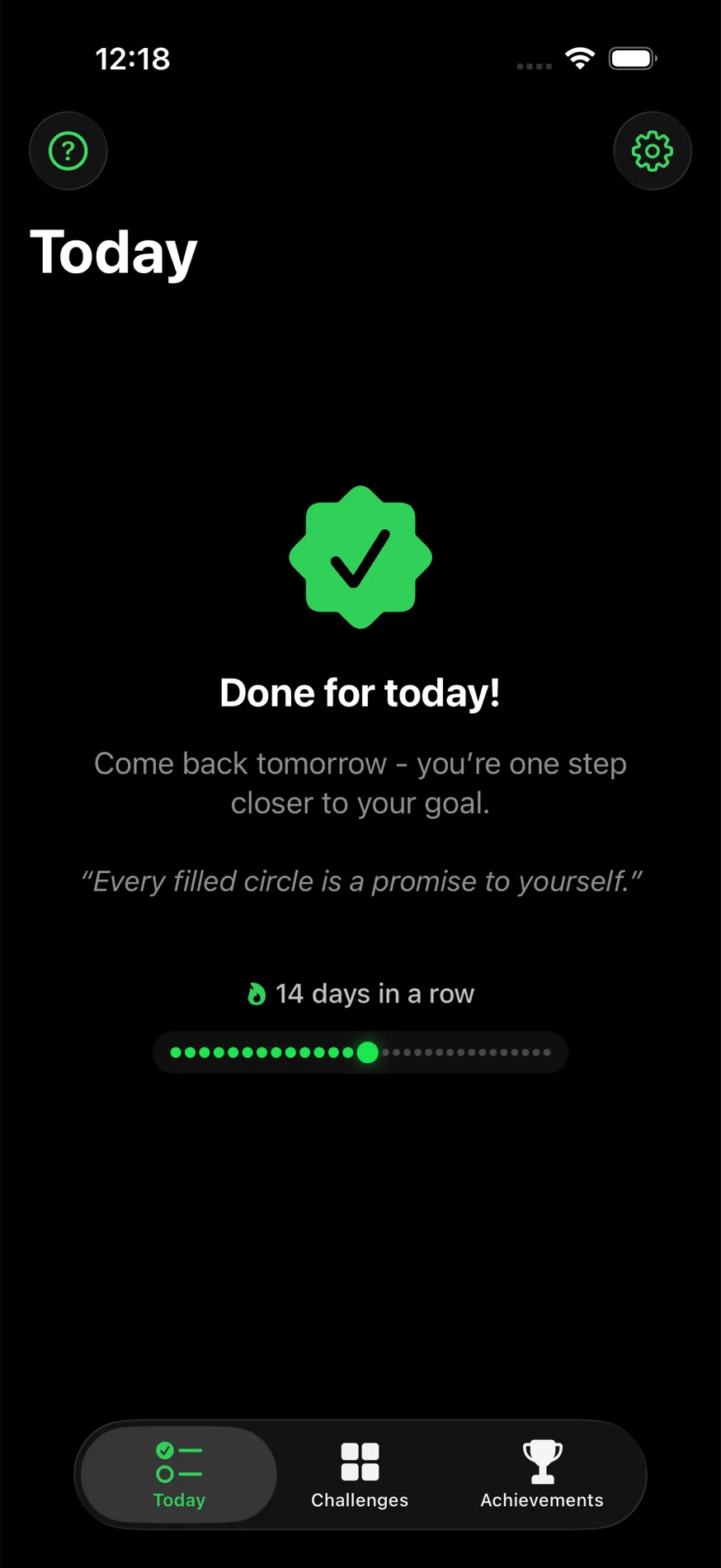
The streak pulls you along
Every finished day fills another pearl in the chain. One glance tells you it’s worth keeping going.
What a circle is, and why you stick with it
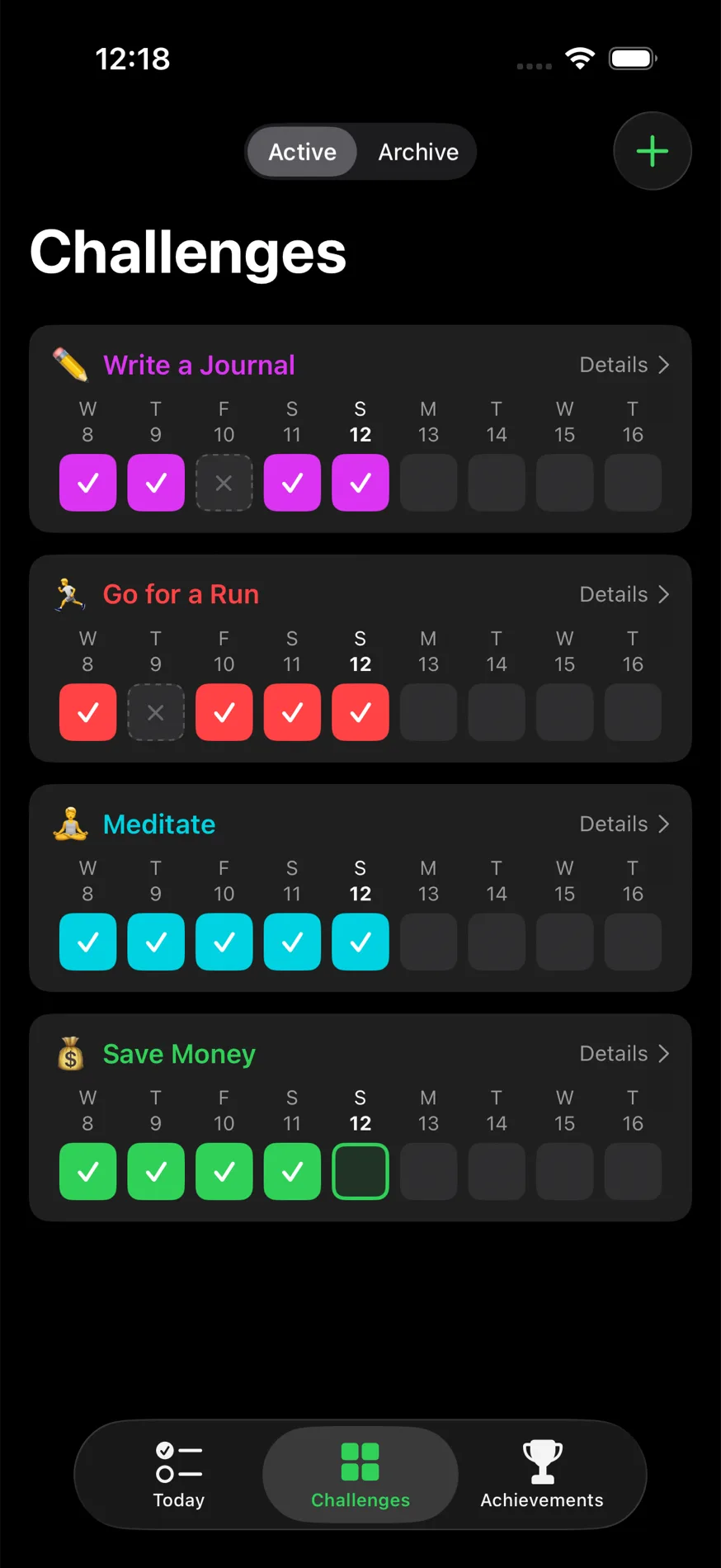
Every challenge runs for 30 days. Every day is a circle: empty or filled, nothing in between. Tap it in the evening, done. The calendar view shows every circle of the month at a glance. The streak just counts how many days in a row you didn't miss.
Why that keeps you going is very human: once you've done 10 days in a row, you don't want to throw that away. Losing a streak feels worse than one more day feels good, so you keep tapping. And don't worry: missing one day won't ruin everything. There's a one-day edit window and an 85% threshold for that. Only Hardcore mode holds you to every single day.
Loss aversion: Kahneman & Tversky. Habit automaticity: Lally et al., University College London, 2010.
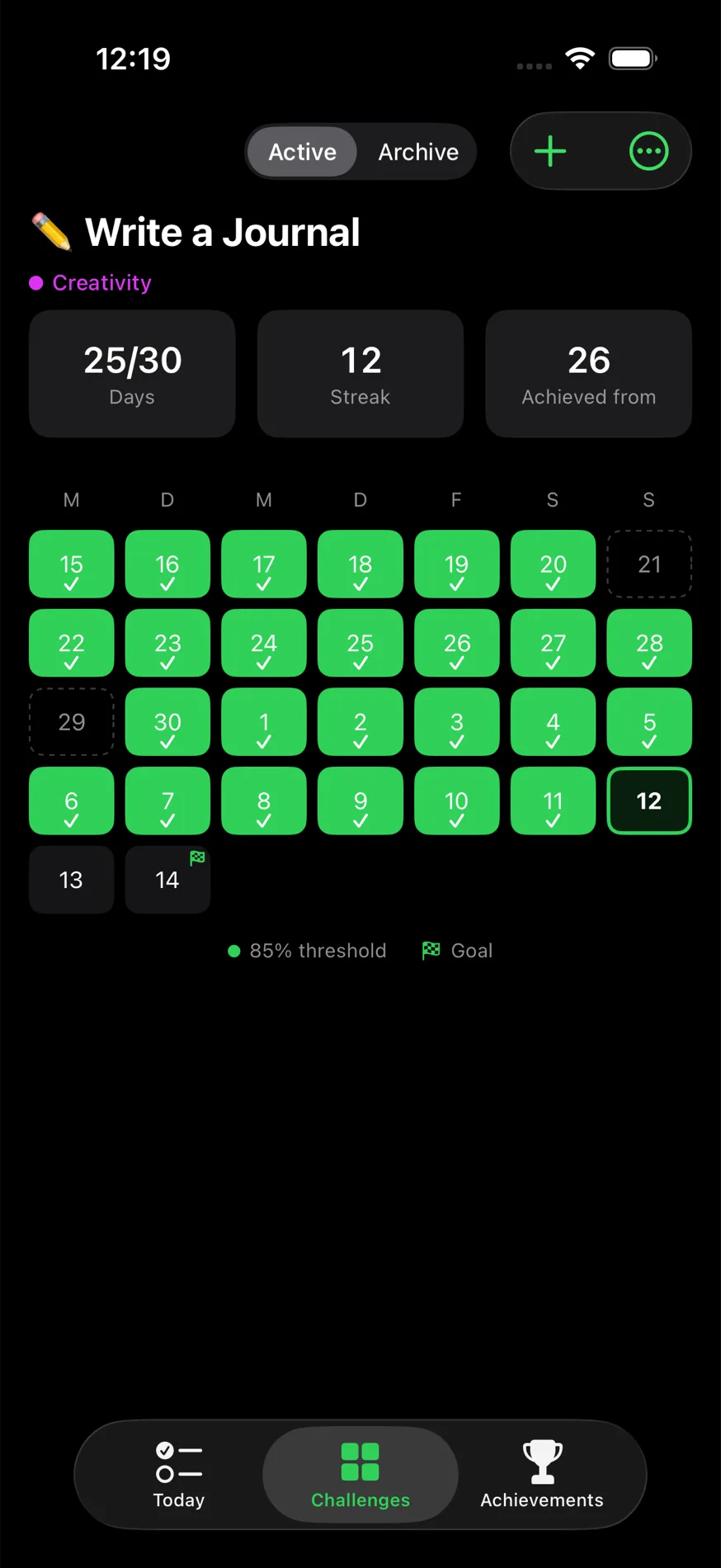
Every challenge, one month at a glance
Days done, current streak, and the 85% threshold at a glance: the calendar shows you instantly whether the month is still on track.
Never a blank page
Ready-made templates for sport, health, finance, and more.
Or your own. Still undecided? 50 challenge ideas with reasoning.
“Every filled circle is a promise to yourself.”
Day 6 of 30
And the rest?
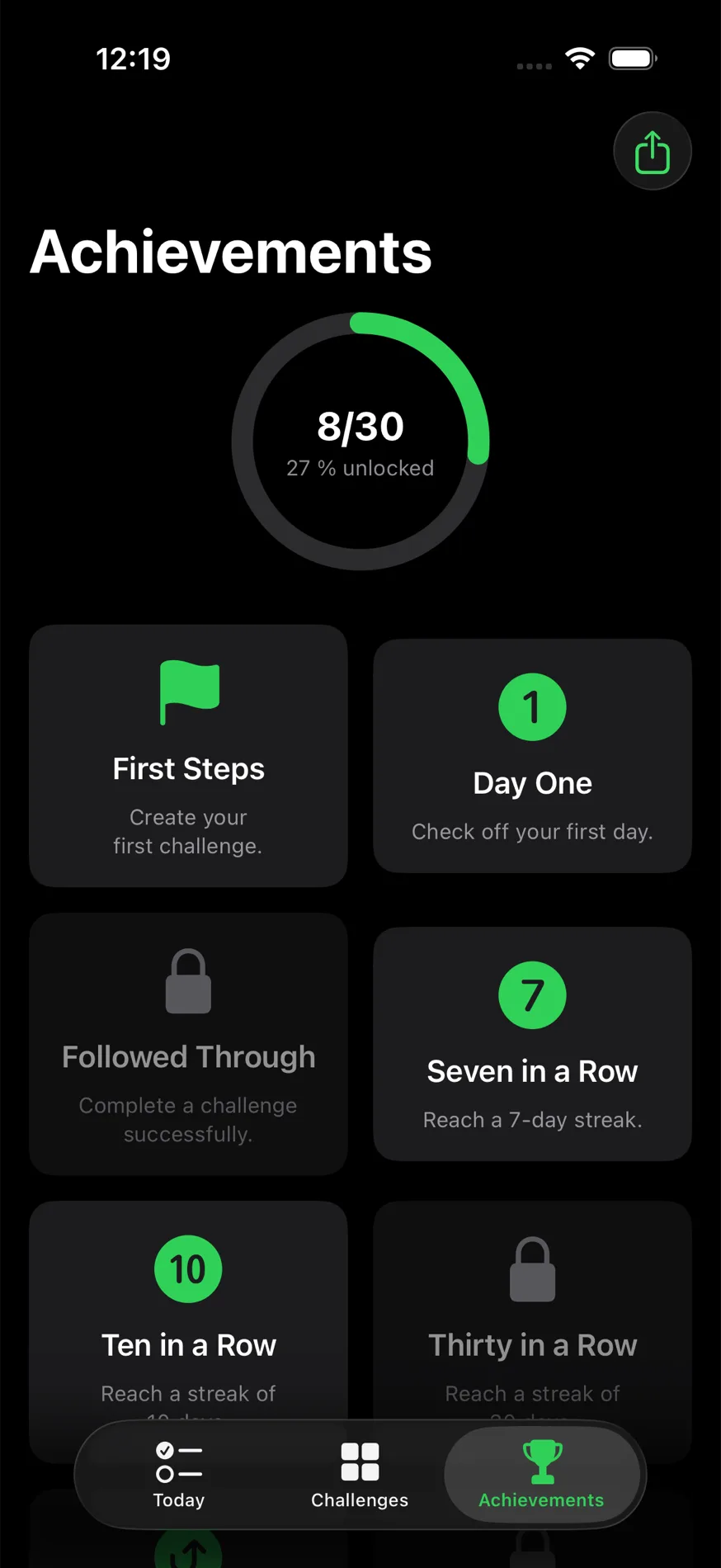
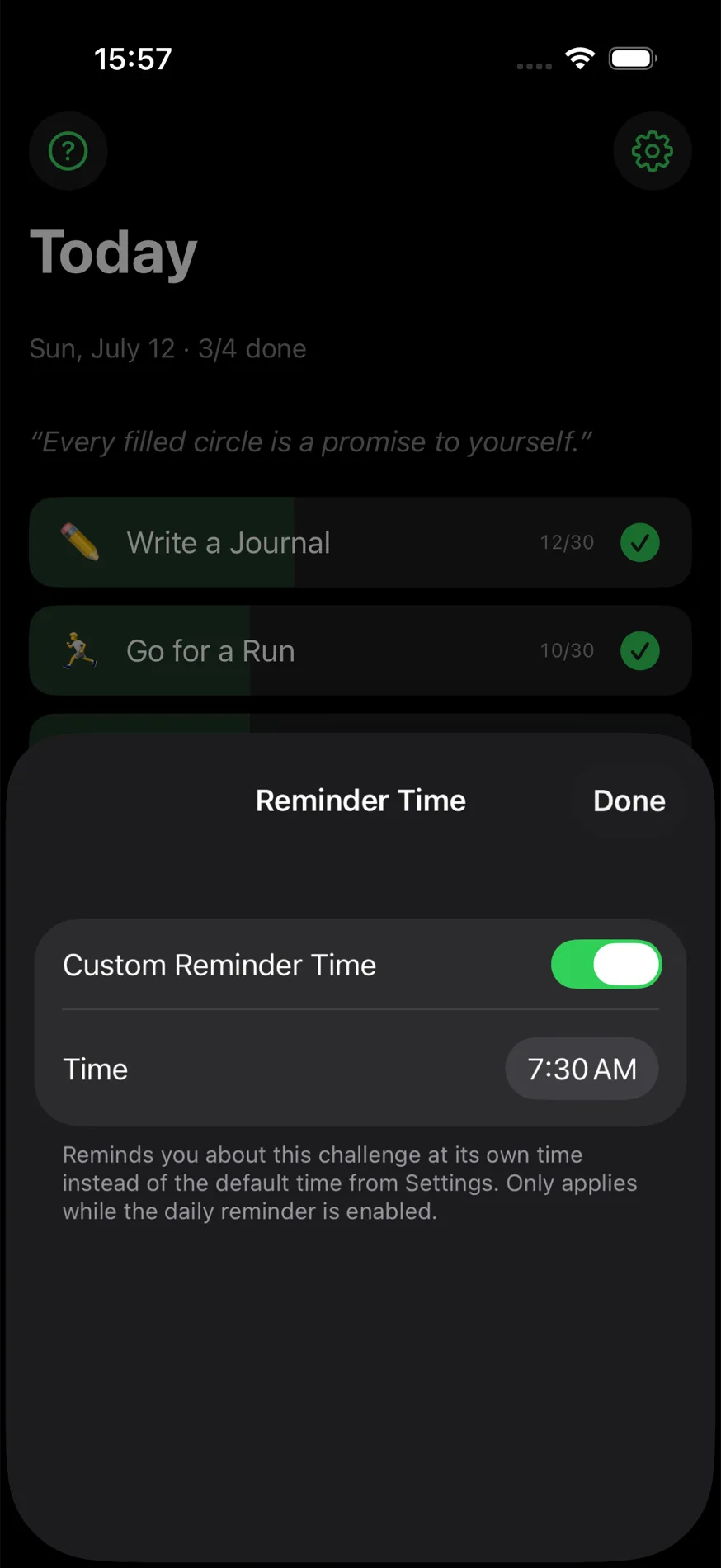
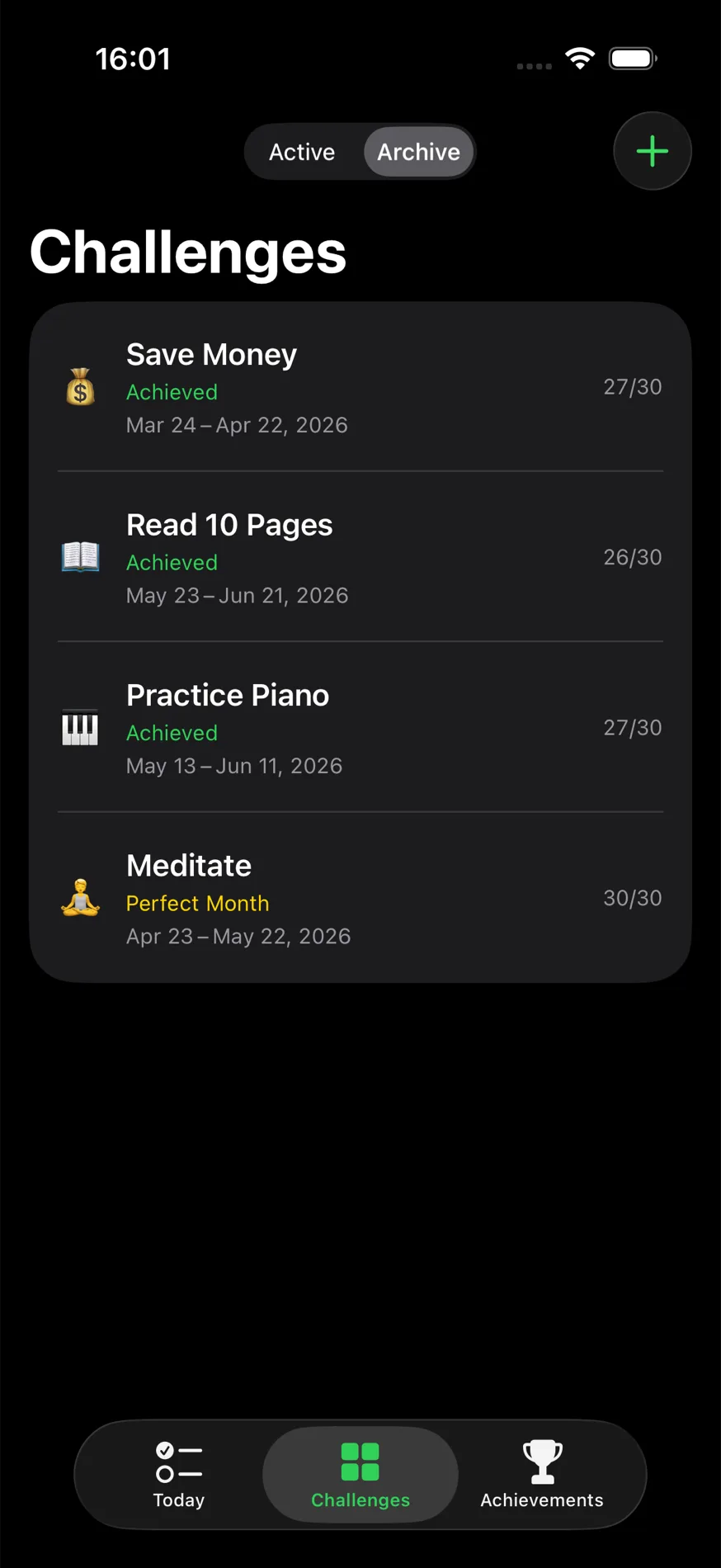
Compact, but complete
Before you download
How is my data handled?
Everything stays on your device. There are no servers, no accounts, and nothing is sent anywhere. No analytics, no tracking, no ads. See the full Privacy Policy for details.
What's the widget for?
A home screen widget shows your progress at a glance and lets you check off a challenge without opening the app. There's also a Control Center button for the same one-tap check-off. Both are optional.
Why should I use this app?
Because it does one thing well instead of many things halfway. No charts, no journaling, no bloat, just the 12-challenges method, executed properly, in the style of a native Apple app.
Start today.
Free. No ads. No account.